Momento
Precise scrubbing
Drag the timeline and the video follows your finger. When you stop, it settles on the exact frame.
For iPhone
Scrub through any video with precision and save the exact frame you want as a full-resolution photo — straight from the video file, not a screenshot.
No account. No ads. No tracking.
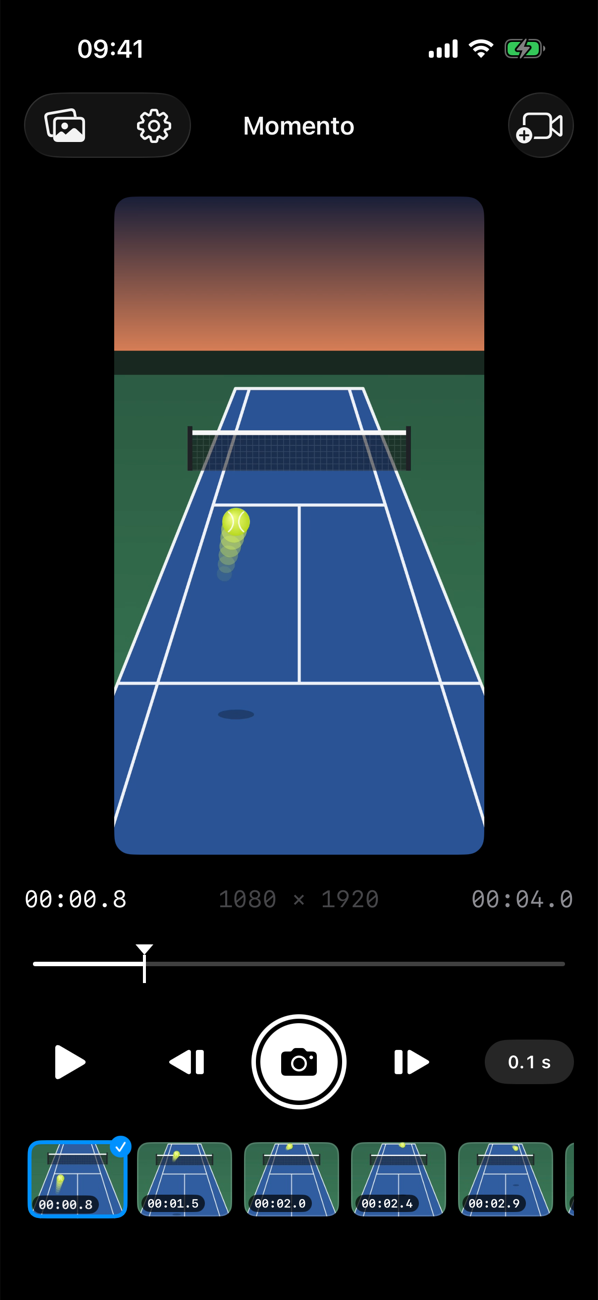
The racket hitting the ball, the jump at its peak, a smile mid-laugh. Momento helps you find it and keep it.
Drag the timeline and the video follows your finger. When you stop, it settles on the exact frame.
Frames are extracted directly from the video file at its original resolution — no screen capture, no UI in the picture.
Portrait or landscape, Momento reads the orientation from the video itself, so every photo comes out upright.
Nudge backward or forward by 0.5, 0.25, 0.1, 0.05 or 0.025 seconds. The timestamp shows the precision you chose.
Every capture is kept in Momento's gallery. Select many at once to save them to Photos or clean up.
Captures are added to your photo library automatically. Prefer to choose? Turn it off and save only what you want.
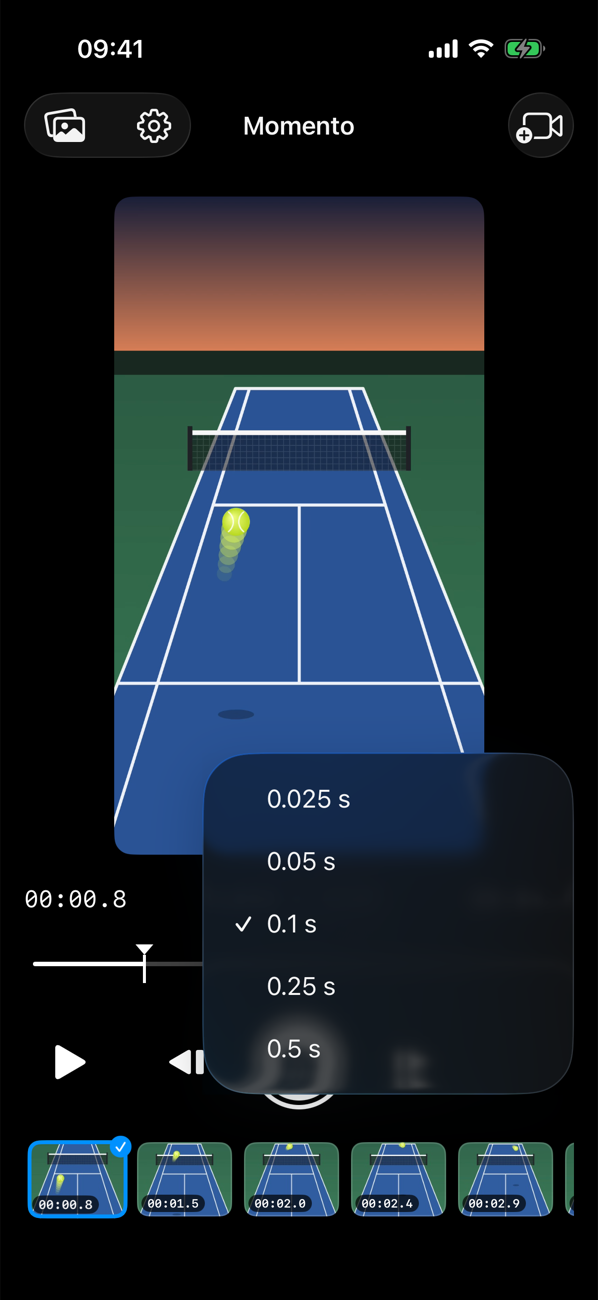
Play, pause, drag or step. Choose how far each step goes and watch the timestamp follow — down to 00:01.025.
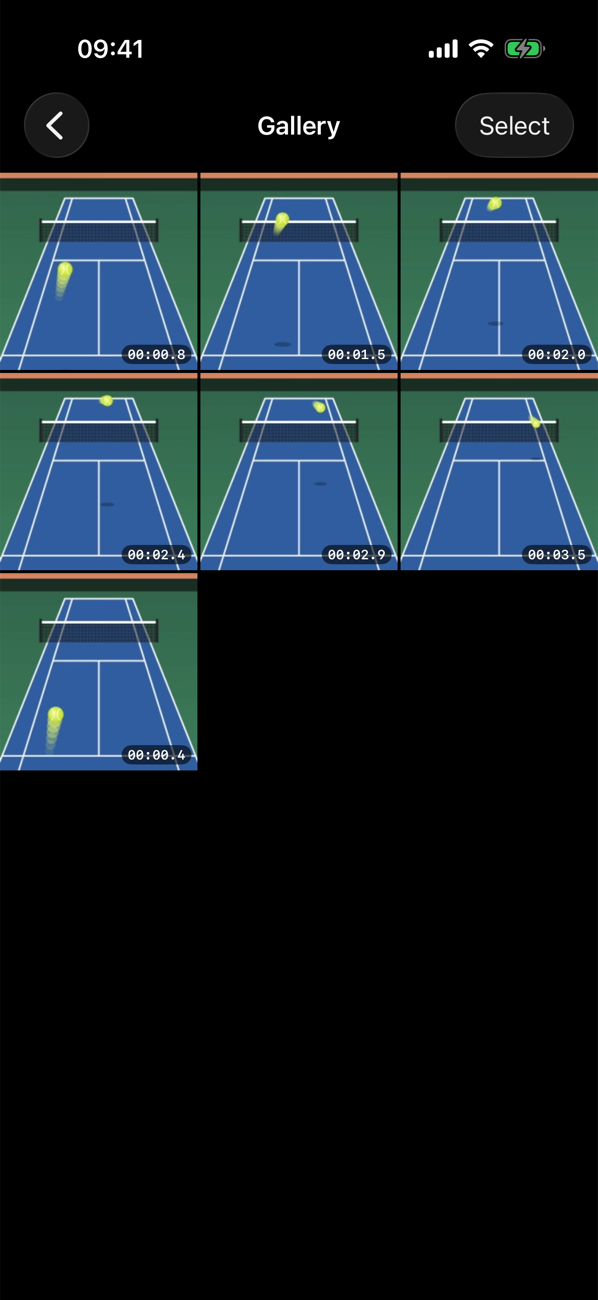
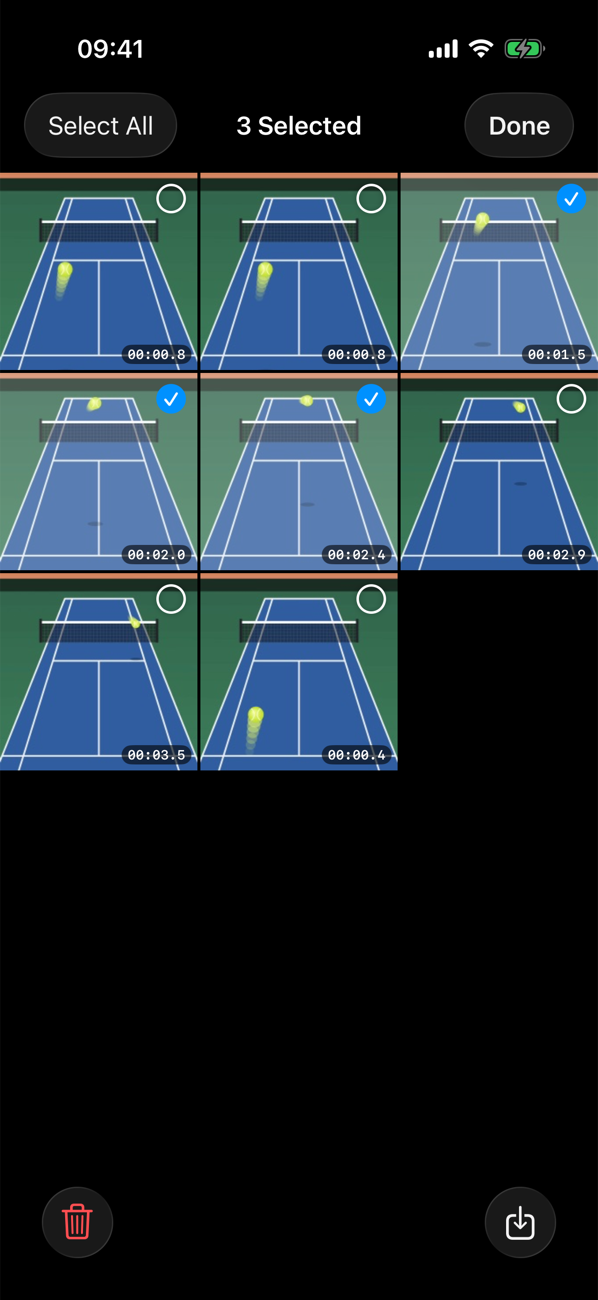
Captures from every video live together in one place, newest first, each labeled with where it came from in the video.
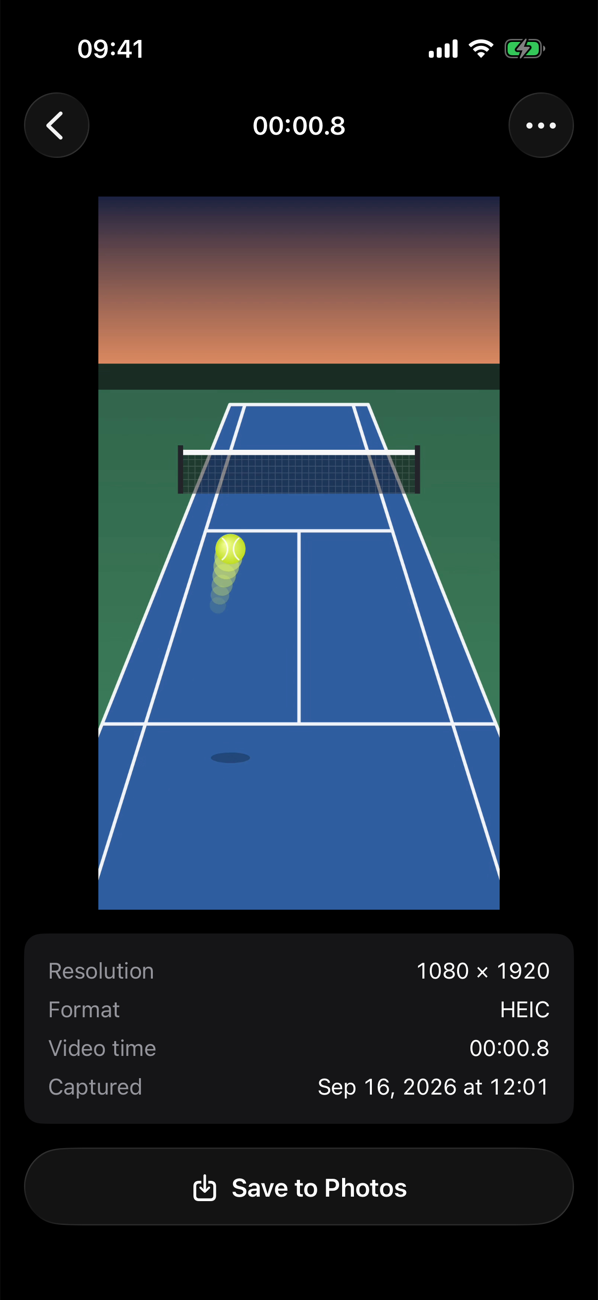
See exactly what you saved: resolution, format and the moment in the video. Share it, or save another copy to Photos whenever you like.
No editing skills needed.
Pick any video from your library with the familiar iOS photo picker.
Play, scrub or step frame by frame until everything lines up.
Tap the shutter. The frame is saved at full resolution to your gallery and Photos.
Momento works entirely on your iPhone. There is no account to create and no server that sees your videos or photos. Photo library access is used only to import the videos you choose and to save the frames you capture.
No. Momento decodes the frame directly from the video file, so the photo has the video's full resolution and never includes buttons, timelines or anything else on the screen.
The same as your video. A 4K video gives you 4K photos, a 1080p video gives you 1080p photos. Images are saved as high-quality HEIC.
Yes. The orientation is read from the video itself, so frames are always saved the right way up, no matter how you hold your phone.
No. Automatic saving is on by default, but you can turn it off in Settings. Your captures stay in Momento's gallery, and you can save individual frames or a whole selection to Photos later.
Never. Videos and captured frames are processed and stored only on your iPhone. The app has no account and no servers.
Momento is available for iPhone with iOS 26 or later.